How to access the log-files?
We have different kind of log-files, they each have there own prefix.
- log The normal log file (everything above INFO level)
- errors The error and exception log file (everything above ERROR level)
- debug Only for internal developer usage
Next to the log-files there are special log-files
- api Log for REST-API calls and HTTP-Error-Codes
- traffic Up- and Download activities
Open the log files - over tray icon context menu
When the app is started. Open the context menu of the TrayIcon and select the app settings.
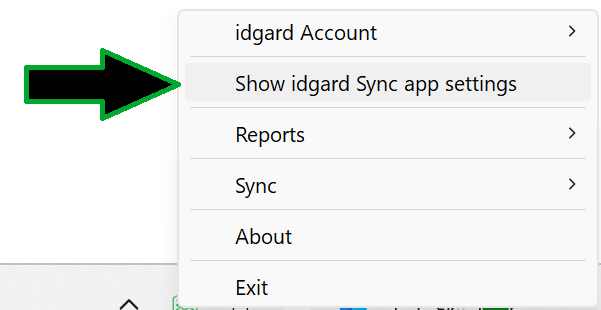
Search for Folder for Log-Files and click on the button Open Log-Files folder.
Direct over the Windows Explorer
PRODUCT_NAME is "idgard Sync".
Type in the Windows Explorer address bar %LocalAppData%\PRODUCT_NAME\logs and press Enter.