Splash Screen
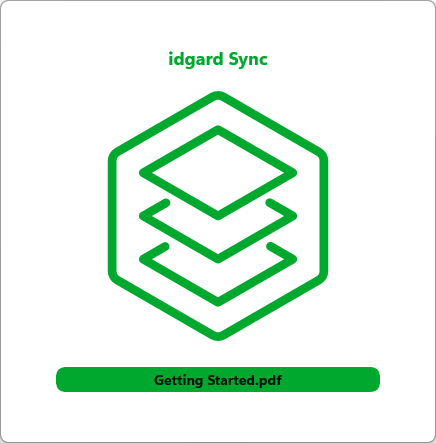
The splash screen appears at application start. It shows the product name and logo.
The splash screen stays visible while the app is loading.
On the splash screen, there is a button Getting Started.pdf. When you click on the button the Getting Started PDF will open. You can also press SPACE, when the button has the focus and the PDF will open as well.
You can open Getting Started - PDF directly from this window.
Note
There is no way to re-visit the splash screen, when application is started. But "Getting Started - PDF" can be found in the box sync-root folder.