Login View
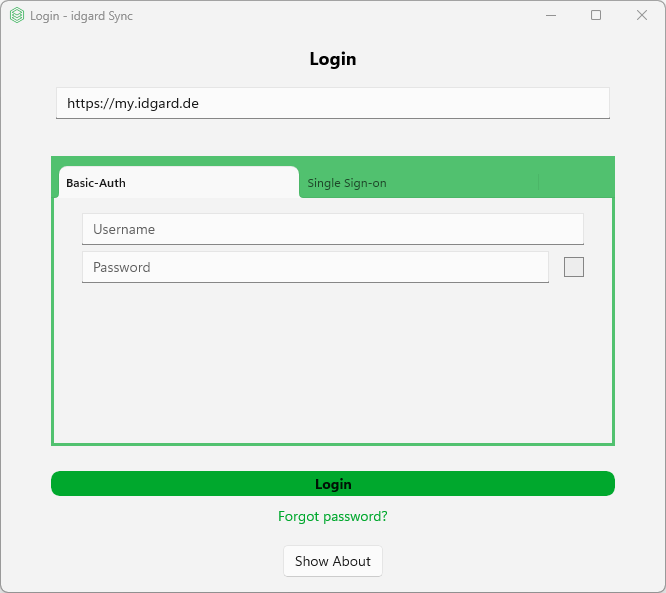
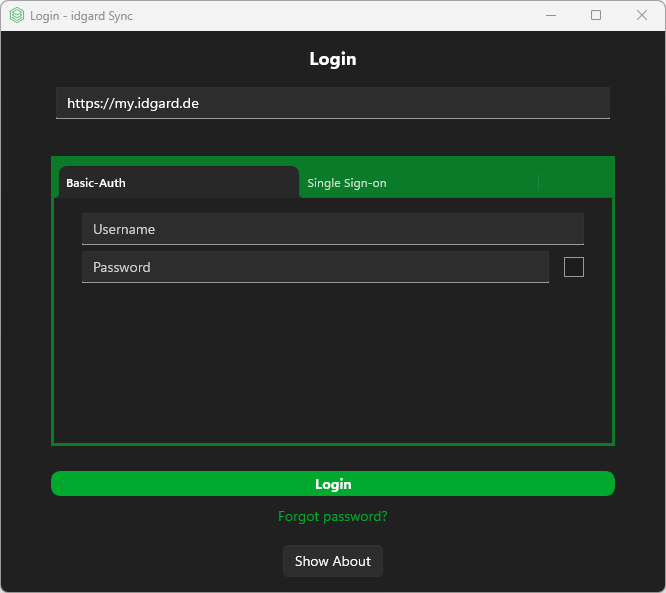
The Login Window - User Authentication Interface is view that provides a comprehensive login interface for the application with support for multiple authentication methods.
Note
The available authentication methods may differ depending on the tenant or idgard Sync configuration. This means that for example SSO may not be available for you.
Authentication Methods Supported
- Basic Authentication - Traditional username/password login
- SSO (Single Sign-On) - Web-based authentication via SSO URL
- Multi-Factor Authentication (MFA) - combined with Basic Authentication (e.g. TOTP or SMS) aka Second Factor Authentication (2FA)
Layout structure
- Header Section - Server URL configuration
- Displays application title
- Default server URL input field, can be changed to use other servers
- Authentication - Tabbed interface for first-factor authentication
- Basic Auth Tab:
Username and password fields with password visibility toggle (Alt+F8) and optional 2FA
- TOTP Tab: One-time password input (Authenticator App)
- SMS Tab: SMS code input with resend functionality (Mobile Phone)
- Other 2FA methods: There are possible additional other 2FA method configured by the server
- SSO Tab: SSO URL input with embedded Browser for web-based authentication
- Basic Auth Tab:
Username and password fields with password visibility toggle (Alt+F8) and optional 2FA
- Errors - Shows authentication error messages in red when login fails
- Actions
- Primary button:
Login - Link:
Forgot password? - Button
Show Aboutopens the About view
- Primary button:
Note
The login window opens at startup whenever you are not signed in. You can also open it by double-clicking the tray icon while signed out.
Login Error Scenarios
The following error messages may be displayed during login:
| Error | Description |
|---|---|
| Invalid server URL | The entered server URL format is not valid. |
| Invalid SSO URL | The entered SSO login URL format is not valid. |
| Hostname mismatch | The server URL and the SSO login URL do not point to the same host. |
| Wrong credentials | The username or password is incorrect. |
| User account blocked | Too many failed login attempts. The account is locked and must be unlocked by an administrator. |
| Wrong verification code | The entered 2FA code (TOTP, SMS, LoginCard) is incorrect. |
| Password change enforced | The organization requires a password change. The user must go to the website and change their password before logging in. |
| TOTP setup required | The organization enforces TOTP as a second factor, but the user has not set it up yet. The user must go to the website and complete TOTP setup for their account. |
| SSO user mismatch | The SSO login returned a different user than expected (re-login scenario). |
| Unknown API error | The login failed due to an unexpected server error. |
Server Version Compatibility
Important
The TOTP setup required error is returned by server v2.0.2 and later. On older server versions (before v2.0.2), the client can still log in even when TOTP setup is configured as mandatory on enterprise level but has not been completed by the user.