Box Selection View
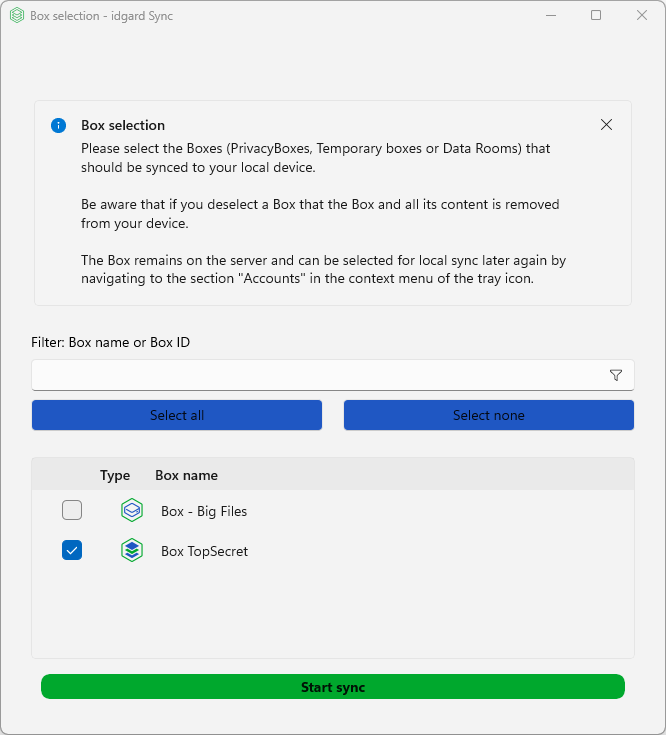
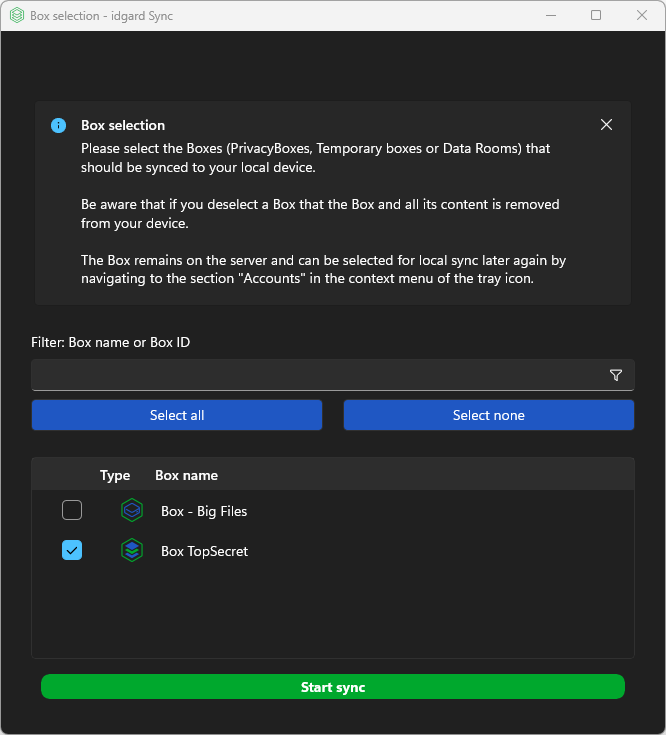
The SelectBoxesView - Box Included or Excluded in Synchronization is a dialog that allows users to select which boxes they want to synchronize with the application. The non-selected ones will be removed locally, but stay on the server.
Enable users to choose specific boxes from their account for local synchronization, providing granular control over what content is synced to their device. Also "hiding" of sensitive or huge boxes can be done by un-select them.
Key Features
- Shows current account details at the top
- Instruction Banner with title and message explaining how to use the view (can be closed by the user)
- Box filter (by box name, or box id)
- Table View which can be sorted by column, shows the box type and name
- Hover over table row, will show description and id of the box
- Buttons
Select AllundSelect None - Bulk edit, select all Ctrl+A, select none Ctrl+Shift+A
- A selected row can be copied Ctrl+C to clipboard as CSV with header
Keyboard Shortcuts
- Ctrl+A - Select all boxes
- Ctrl+Shift+A - Deselect all boxes
- Ctrl+C - Copy to clipboard of focused row
- Arrow keys - Navigate table rows
- Space - Toggle checkbox on focused row
Note
The Box Selector will appear, after the 1st login. It can be re-shown by the tray-icon context menu, right click, click on accounts, open the user-account-menu and select "Show Box List".